Dental Service Accounts: Change Credentials Safely
A staff password is changed, and an overnight job stops. The account may have been used by a connector, scheduled task, or other service that no one included in the change plan.
Managed IT support guidance for dental practices covering monitoring, help desk, cybersecurity, backups, vendor coordination, and technology planning.

A staff password is changed, and an overnight job stops. The account may have been used by a connector, scheduled task, or other service that no one included in the change plan.

The practice website, business email, and patient-facing links can depend on a domain registration that no one reviews until a renewal message arrives. ICANN advises domain holders to understand registrar expiration terms, pay on time, and keep contact information current.

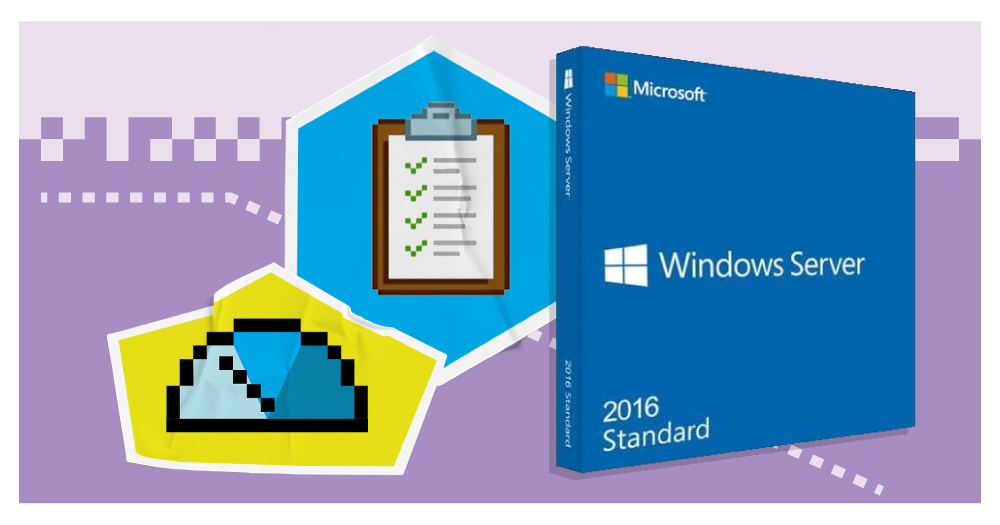
Microsoft places Windows Server 2016 end of extended support in January 2027. Use the remaining runway to inventory dependencies and test a migration.

Many outages begin with legitimate work that changed more than expected. A simple change process helps dental practices coordinate vendors, define rollback, protect patient hours, and document what actually happened.

Technology replacement is easier when end-of-support, warranty, performance, security, and vendor compatibility are tracked years before a failure forces the decision.

A backup internet connection only helps if the firewall can use it, critical applications tolerate the alternate path, staff know what changes, and the failover has been tested.

A UPS is not a generator and it is not an unlimited runtime promise. Its job is to support a defined power event long enough for the right systems to stay stable, shut down cleanly, or bridge to another source.

A continuity plan is more useful when the team has practiced the decisions it contains. A short tabletop drill can expose missing contacts, inaccessible credentials, unclear downtime roles, and recovery assumptions before a real outage.

A dashboard that runs all night is not the same as a support team that owns alerts. Dental practices should know what is monitored, who responds, and what happens next.

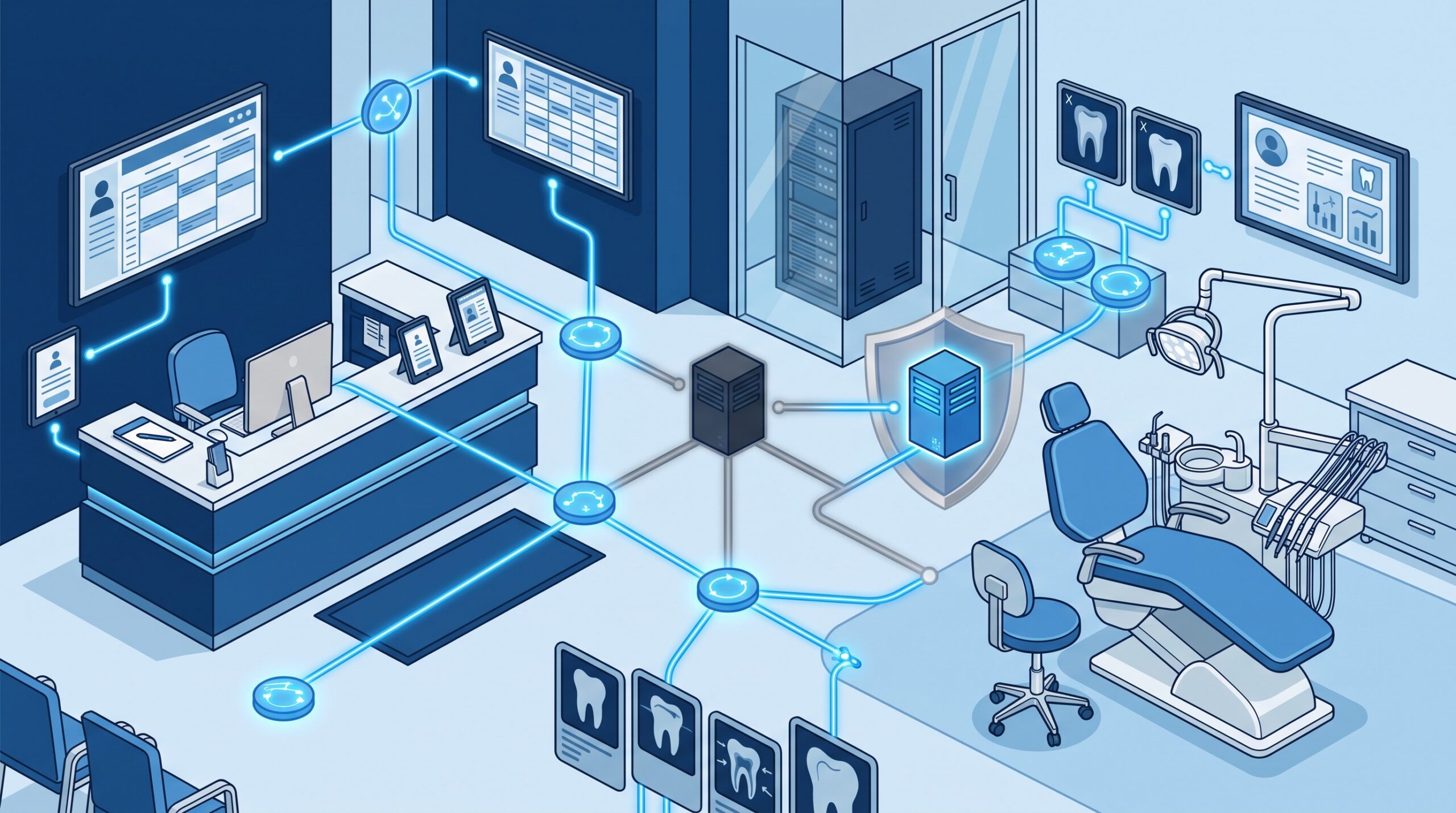
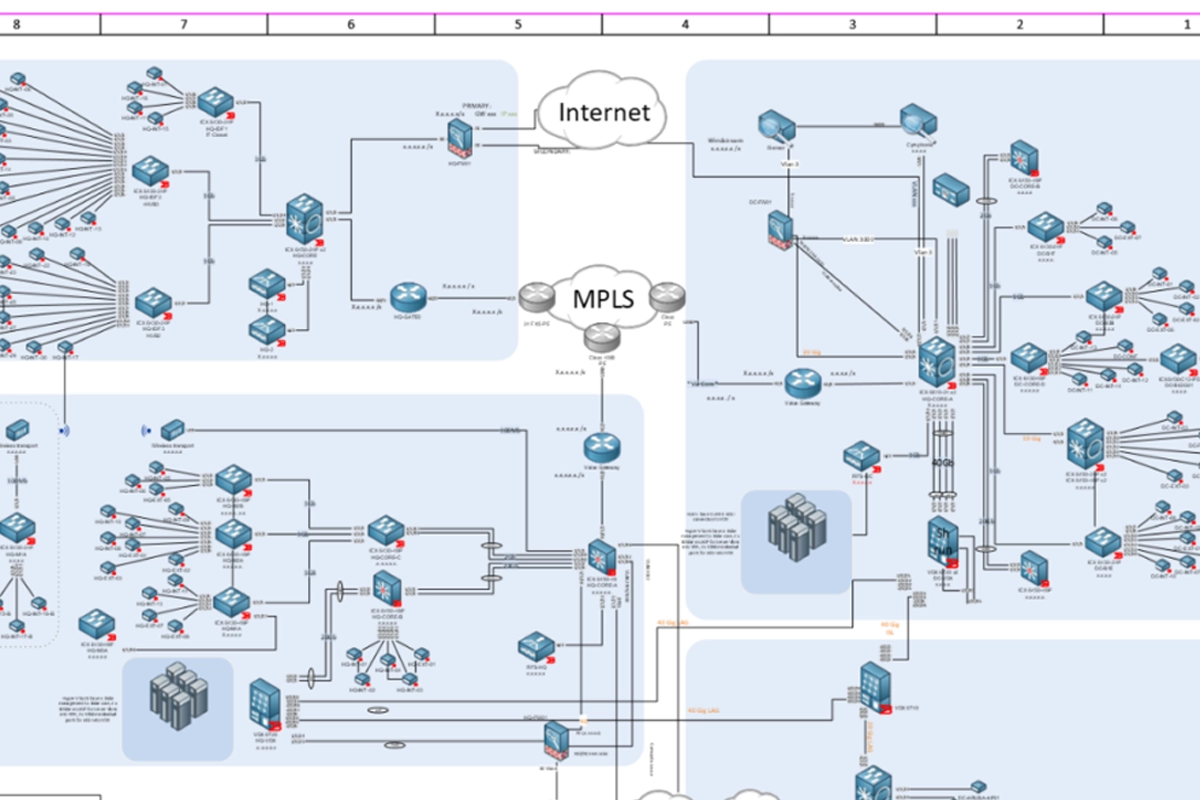
A network diagram becomes most valuable when something fails, a vendor changes, an office expands, or an incident responder needs to understand the environment quickly.

A dental IT provider should be able to explain how support, security, backups, software coordination, documentation, and recovery work before an outage tests the relationship.

You cannot reliably patch, secure, back up, replace, or recover technology you do not know you have. A useful dental asset inventory connects devices and software to owners, risk, dependencies, and lifecycle decisions.

Dental practices still using Windows Server 2016 should begin planning now. Here is how to evaluate software compatibility, migration options, security risk, backups, and downtime.

Choosing a dental IT partner is a business, security, and continuity decision. Use this framework to compare providers, contracts, response standards, cybersecurity, backups, and long-term fit.

A dental office needs more than basic tech help. Here is what strong managed IT support should include for a modern dental practice.