

Dental UPS & Power Protection: 2026 IT Resilience Guide
Plan UPS and power protection for dental servers, network equipment, workstations, imaging systems, shutdown procedures, monitoring, and recovery.
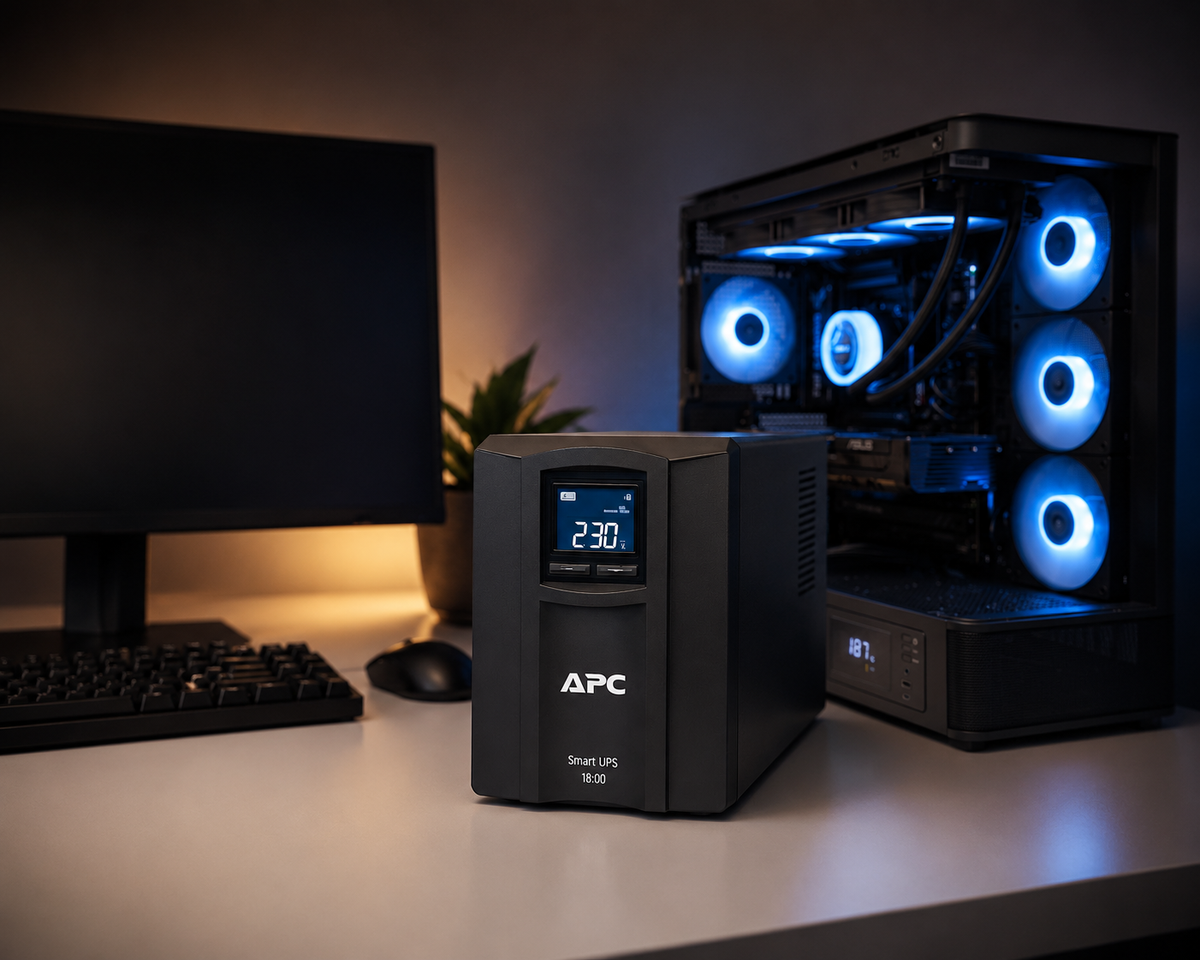
Power interruptions can affect more than a single computer. Servers, storage, firewalls, switches, wireless access points, phones, imaging workstations, and internet equipment may all react differently to a short outage, brownout, surge, or repeated power cycling. HHS contingency guidance specifically uses power outages as an example of an emergency that can disrupt access to ePHI. A practical dental power plan starts by identifying which systems need protected power, what the UPS is expected to accomplish, how shutdown occurs, and how the practice confirms systems are safe before reopening clinical workflows.
Key Takeaways
Define the purpose of each UPS: ride through short disturbances, support graceful shutdown, protect network continuity, or bridge to generator power.
Do not size a UPS from guesswork or assume the label runtime will match the real environment. Load, battery age, expansion, temperature, and attached equipment all affect usable runtime.
Document shutdown and restart order for servers, storage, firewalls, switches, internet equipment, and critical workstations so recovery does not depend on memory.
What should a UPS do in a dental office?
A UPS should have a defined job. For a server and storage system, that may be enough runtime to remain stable through short disturbances and then shut down cleanly if utility power does not return. For network equipment, it may keep internet, firewall, switching, and phones available long enough for the practice to communicate or move into downtime procedures.
Do not treat battery backup as a blanket promise of uninterrupted operation. High-draw clinical equipment, HVAC, compressors, sterilization systems, and building loads belong in broader facility and generator planning, not on a small IT UPS.
Which dental IT systems usually deserve protected power?
Start with systems whose abrupt loss can create data, configuration, or recovery problems: servers, storage, network core equipment, firewalls, ISP handoff devices, selected wireless controllers or access points, phone infrastructure, and critical management workstations where appropriate.
Imaging and acquisition systems need vendor-specific review. Some components may require dedicated electrical circuits or manufacturer guidance. The IT plan should not invent power requirements for clinical hardware; coordinate with the equipment vendor and electrician when the device specifications are outside normal workstation loads.
How should a dental practice size a UPS?
Measure or calculate the actual connected load and define the required runtime objective. Leave headroom for realistic growth, and account for the fact that battery runtime decreases as load increases and batteries age. Use manufacturer sizing tools or qualified electrical/IT guidance rather than buying by server count alone.
Record the UPS model, battery age, connected devices, expected behavior, network-management settings, warranty, replacement plan, and shutdown integration in the asset inventory.
Why does graceful shutdown matter?
Servers and storage systems may be writing databases, logs, files, or virtual-machine data when power disappears. A controlled shutdown reduces the risk of abrupt interruption and provides a repeatable state for recovery. The shutdown process should include application and database considerations, not only the operating system.
Test the sequence during planned maintenance. If the UPS software cannot communicate with the server, credentials are stale, or virtual machines never shut down in the expected order, the first real power event is the wrong time to discover it.
How should the practice restart after an outage?
Do not power everything on simultaneously without understanding dependencies. Restore stable utility or generator power, confirm the UPS is operating normally, then bring up network core, storage, servers, authentication, practice-management, imaging dependencies, phones, and workstations in the order appropriate to the environment.
Validate services before returning to full patient workflow. Repeated brownouts or unstable power can be more damaging operationally than one clean outage, so coordinate with building management or an electrician when power quality is still uncertain.
What maintenance should be documented?
Track battery age, self-test results, alerts, failed batteries, load changes, firmware where applicable, environmental conditions, and planned replacement. A UPS that has not reported an alarm is not automatically healthy forever.
Review the power plan whenever the server, storage, network rack, ISP equipment, phone system, or imaging environment changes. Infrastructure growth can silently exceed the capacity that was adequate when the UPS was originally installed.
Sources and References
Primary sources used for this article
Regulations, product support information, and incident details can change. Review the linked primary sources for the latest status.
Current contingency-planning requirements for emergencies affecting systems that contain ePHI.
HHS guidance discussing power outages and disruption of critical business operations within contingency planning.
Risk-management guidance covering technology infrastructure resilience and recovery outcomes.
Common Questions
Frequently asked questions
Is a UPS the same as a generator?
No. A UPS provides short-duration battery-backed power and power conditioning for supported equipment. A generator is a separate facility power source. Some practices use both, with the UPS bridging the transfer and supporting clean shutdown if generator power is unavailable.
Should every dental workstation have a UPS?
Not necessarily. Prioritize systems based on business impact, hardware sensitivity, workflow, and recovery needs. A risk-based design may protect servers and network infrastructure more heavily than ordinary front-desk workstations.
Can I plug a laser printer into the same UPS as a server?
High-draw devices can overload or sharply reduce UPS runtime. Follow the UPS manufacturer's guidance and keep nonessential or high-draw equipment off critical server protection unless the design specifically supports it.
How often should UPS batteries be replaced?
There is no single interval that fits every battery and environment. Follow manufacturer guidance, monitor health, track age and conditions, and replace batteries when testing, alerts, runtime, or lifecycle guidance indicates.
Does HIPAA require a UPS?
HIPAA requires contingency planning and reasonable safeguards but does not prescribe one specific UPS model or universal battery design. Protected power can be one risk-based control supporting availability and emergency operations.
What should be documented after a power outage?
Record the affected systems, outage duration, UPS behavior, shutdown and restart actions, errors, vendor involvement, and any corrective work needed before the next event.