

Dental QR Phishing: A Front Desk Safety Guide
Review dental QR-code safety for unexpected messages, printed signs, patient links, payment workflows, destination checks, staff reporting, and response.
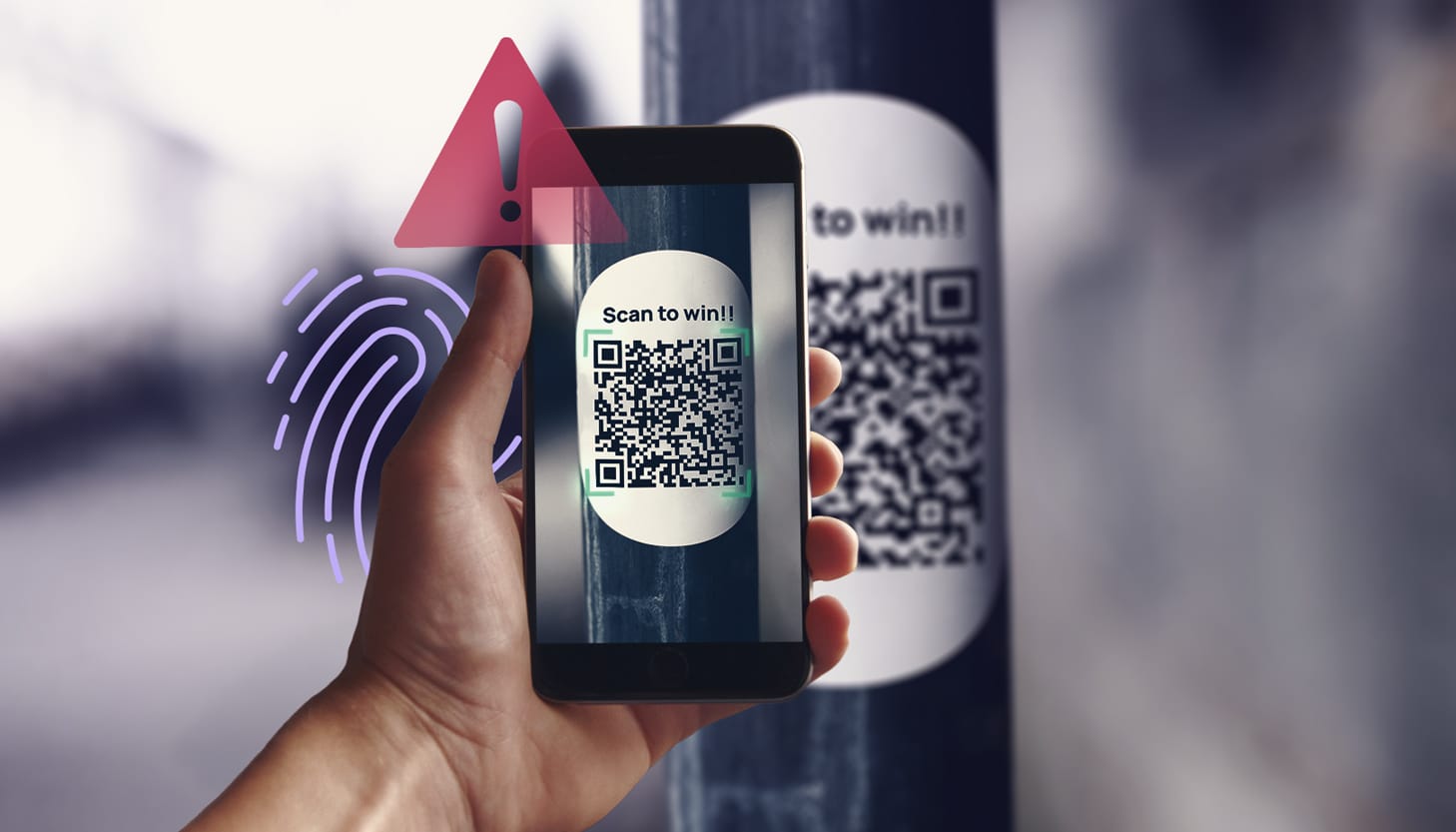
QR codes can make a dental workflow convenient: forms, directions, payment pages, and other links can be opened without typing a long address. They also make it harder to inspect the destination on a printed sign or unexpected message. The FTC warns about malicious QR links and advises using known contact paths to verify unexpected requests. This guide applies that warning to a dental front desk and to the practice's own printed materials. The scenarios are fictional planning examples, not reported incidents involving Dental IT customers, insurers, or payment vendors. The goal is a practical verification and reporting routine rather than banning useful QR codes.
Key Takeaways
Verify unexpected QR requests through a known website or contact route before signing in, paying, or approving access.
Maintain an inventory of the practice's own QR destinations and inspect printed signs for changes.
Report what happened after a scan, including any login, payment, permission grant, or download, so the response fits the actual exposure.
Why does a QR request deserve a separate check?
The FTC describes QR codes that lead to spoofed sites and warns about unexpected codes in messages. Scanning is a way to open a destination, not a trust decision. A printed code does not become safe because it is next to a familiar logo, and an urgent email does not become authoritative because it avoids a clickable text link.
For training, show staff a fictional message claiming a vendor account must be reverified with a QR code. Ask what they would do before entering credentials. The expected action is to use the known vendor website or a verified contact method, not the destination supplied by the message. Keep the exercise free of working malicious links and real patient information; the learning goal is the pause and verification step.
Which front desk scenarios should the team practice?
Use separate fictional scenarios for a payment request, an insurance portal warning, a shared-document notification, and a support message. Ask the staff member to identify the requested action and the business owner who can verify it. The team should know whether a QR destination is part of the approved workflow before scanning it on a personal phone.
Include a message that looks calm and professionally written. Suspicion should not depend only on poor spelling or dramatic threats. A well-designed request can still direct staff to an unapproved site or ask for unnecessary permissions. Train the team to explain how it independently verified the request, rather than rewarding only the ability to label a message as suspicious after someone points out a visual flaw.
How should the practice manage its own QR codes?
Inventory each code the practice publishes: where it appears, its business purpose, the intended destination, who controls that destination, and the person who can replace or retire it. Keep the source file in an approved business location so a departing staff member is not the only person able to update it. A code on a reception sign should be treated as a maintained access path.
Before printing or publishing, test the destination from an approved device and confirm the expected page and action. Use a plain-language label and an alternative way to reach the same resource. Avoid implying that a patient must scan a code or use a particular device to obtain help. Have the responsible privacy and vendor reviewers approve workflows that collect sensitive information.
What should staff inspect on printed signs?
The FTC has reported stickers covering legitimate QR codes in public settings. Apply that as a practical inspection scenario for the practice's own materials, without claiming an attack has occurred in the office. Check whether the printed code has an unexplained overlay, whether the destination changed, and whether the sign still points to the intended resource.
Assign inspection to a role that already checks reception materials, and repeat it when signs are replaced or a destination changes. If something appears altered, remove the sign from use through the approved process and preserve the evidence for review. Give patients the known website or staff-assisted path while the issue is investigated. A small inventory makes it easier to distinguish a planned update from an unexplained change.
What should happen if someone has already scanned?
Ask what occurred after the scan. Did the person only view a page, enter a password, approve an app, provide payment details, download a file, or install software? Record the time, device, displayed destination, and affected business account through the approved reporting route. Do not conclude that every scan caused compromise or that closing the page resolves every possible exposure.
The response should match the evidence. An account login, application consent, financial transaction, and device download need different investigation steps. Use the practice's incident lead, account administrator, payment provider, or device support as appropriate. Keep staff from experimenting with the destination to confirm it is dangerous. Preserve screenshots without exposing patient information, and follow the responder's instructions for containment and recovery.
How should personal phones be handled?
Define whether staff may use personal devices to open work requests and what the approved alternative is. A desktop message that tells someone to continue on a phone can move the activity into a different device and account context. Review that boundary through the practice's mobile-device policy instead of assuming the phone is either always safe or always prohibited.
For everyday use, staff should know which business tools are approved and how to report a suspicious mobile page. Do not ask them to send phone passwords, MFA codes, or sensitive screenshots through a general group chat. If a personal device needs incident review, use the agreed BYOD process and clarify ownership and privacy boundaries. Keep training focused on the work action and the authorized reporting path.
What is a useful patient-facing alternative?
Provide a short known route alongside the QR code: the practice website, a staff-assisted process, or the relevant vendor's approved portal path. Explain what the page does before the patient opens it. A code labeled only Scan Here gives little context if it leads to a login, payment form, or information request.
Review the wording with the team that owns the patient workflow. Avoid asking patients to share passwords or verify a payment through an unrelated contact channel. Test the alternative path when publishing new materials, and retire old signs when a service changes. Dental IT can review the destination inventory and staff-reporting procedure while the practice and vendors approve the actual patient and payment workflows.
What should the QR inventory record after a change?
Keep the previous purpose, current destination, replacement date, and approved owner in the inventory when a code changes. Check both the printed material and digital copies used in appointment instructions or reception displays. Retiring a sign without replacing its electronic version can leave two different paths in use. Avoid publishing administrative or test destinations on patient-facing materials.
Use a fictional change from one approved form page to another as a review exercise. Ask staff to locate every published code, verify the new destination, and show the alternative route. Record anything the team cannot find as an inventory gap. The practice should be able to maintain its own codes without depending on one worker's personal generator account or an undocumented link that nobody can update.
Sources and References
Primary sources used for this article
Regulations, product support information, and incident details can change. Review the linked primary sources for the latest status.
Destination inspection, independent verification, and QR scam examples; checked October 12, 2026.
September 2026 consumer warning about altered physical codes; not a claim about dental-office incidents.
Common Questions
Frequently asked questions
Are all QR codes unsafe?
No. A QR code is a way to reach a destination. Verify the source, destination, and requested action before trusting it.
Does a padlock prove the page belongs to the vendor?
No. Treat secure transport and the identity of the destination as separate questions. Use a known contact path to verify unexpected requests.
Should staff scan an unexpected code to investigate?
Use the approved reporting route. Do not experiment with a suspicious destination or enter information to test whether it is real.
Does scanning always mean an account was compromised?
No. Report what happened after the scan so the responder can assess actual exposure.
Who should own patient QR signs?
Assign a business owner for each destination and printed location, with a replacement and review process.