


Daily Health Checks
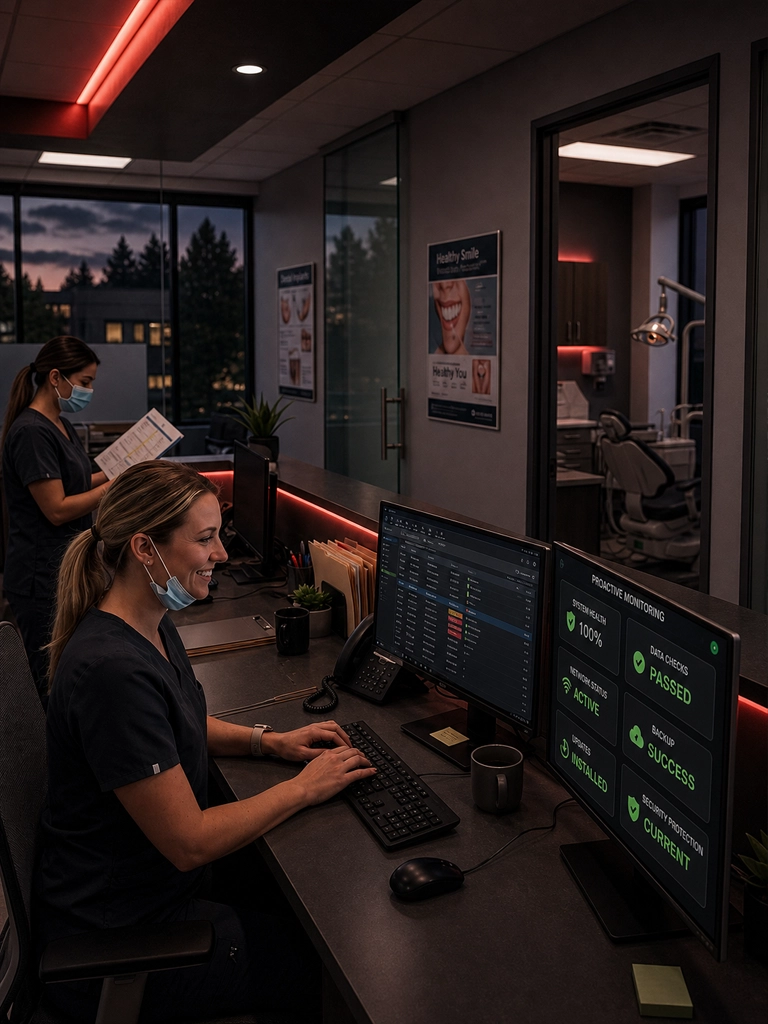
Automatic system reviews help keep operating systems, applications, and workstations maintained before small issues interrupt your practice.
Keep your practice running at peak performance with continuous system health checks, automated updates, patching, monitoring, and priority support designed to prevent issues before they interrupt your workflow.
Proactive maintenance from 99¢ per day per workstation
Daily health checks, updates, and performance monitoring
Security patching, antivirus scans, and backup monitoring
Priority support designed to prevent costly downtime
Premium, Transparent Maintenance
Proactive Maintenance is designed for dental practices that want consistent system care instead of waiting for technology problems to become emergencies. Your workstations, updates, backups, security checks, and performance indicators stay under active review.
Continuous maintenance support for workstations, servers, and network systems.
Software updates, patching, diagnostics, cleanup, and security monitoring.
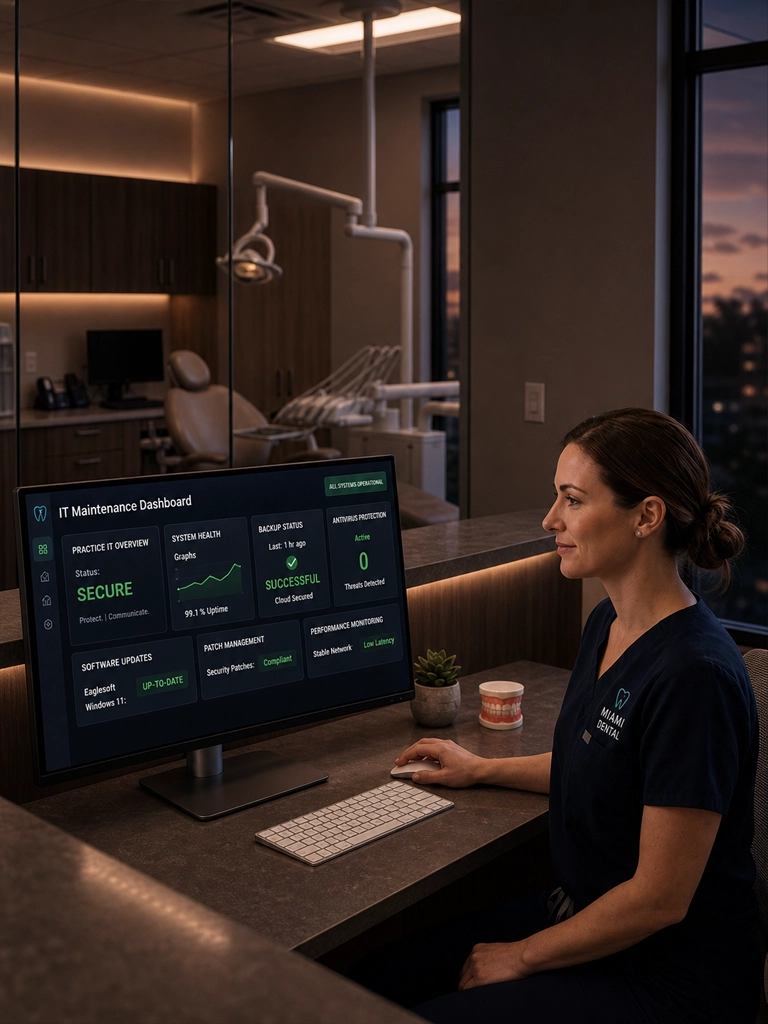
Better visibility into maintenance activities, backup status, and system health.
Your team depends on responsive computers, reliable software, working backups, secure endpoints, and stable systems. Proactive maintenance helps keep those pieces aligned so your practice can focus on patient care.
99¢
Starting daily maintenance per workstation.
24/7
Monitoring for performance and system health.
What Our Proactive Maintenance Includes
Your practice receives routine checks, monitoring, updates, diagnostics, safeguards, support, and reporting designed to keep your dental IT environment healthier.
Automatic system reviews help keep operating systems, applications, and workstations maintained before small issues interrupt your practice.
24/7 visibility into CPU, memory, disk, network, and workstation performance helps identify anomalies before they become downtime.
Scheduled hardware checks help detect failing components, storage issues, and device health concerns before they disrupt patient care.
Regular security checks, vulnerability awareness, patching, and endpoint reviews help support a safer dental IT environment.
Premium routing helps your practice get faster attention when something needs support, minimizing delays and workflow disruption.
Track maintenance activities, patch status, backup visibility, and performance trends with clearer reporting for your technology environment.
Taking Care of Your Technology
Proactive maintenance helps your practice stay ahead of common IT problems with consistent updates, support, diagnostics, monitoring, and reporting.
Get ongoing remote support from a dental-focused IT team that understands workstations, front desk systems, operatories, and daily practice workflows.
Backup monitoring helps confirm that critical business data, patient records, and practice files remain protected and recoverable.
Regular security patching helps address known vulnerabilities across operating systems, third-party applications, and security tools.
Keeping Windows and Mac systems updated helps improve stability, compatibility, performance, and protection against security gaps.
Maintenance Coverage
Proactive Maintenance includes software, servers, network, computers, email clients, OS troubleshooting, on-site support, and unlimited remote help desk support.
Keep key dental applications, workstations, and support tools current, stable, and better protected.
Support servers with routine updates, monitoring, troubleshooting, and maintenance planning.
Maintain routers, switches, wireless access points, and network visibility for smoother practice operations.
Support clinical, front desk, imaging, and admin workstations with proactive care and troubleshooting.
Help configure, troubleshoot, and maintain email accounts and client settings across the practice.
Support Windows and Mac updates, system stability, compatibility issues, and workstation performance.
Plans may include up to four hours of on-site troubleshooting for issues that need hands-on support.
Give your team access to ongoing remote help desk support for everyday technology problems.
Why Does Your Dental Practice Need Proactive Maintenance?
Slow computers, missing updates, failed backups, malware, aging hardware, and poor reporting can create downtime, security risks, and daily workflow frustration.
Routine monitoring and maintenance help reduce unexpected outages, slow systems, and emergency support situations.
Disk cleanup, updates, diagnostics, and performance monitoring help workstations stay responsive for your team.
Patch management, antivirus scans, malware checks, and security reports help reduce preventable security risks.
Backup monitoring helps confirm that your practice data is protected and recoverable when something goes wrong.
Proactive updates help reduce compatibility issues with software, hardware, drivers, and security tools.
Security Audits & Reports
Proactive maintenance gives your practice better visibility into security posture, patching, backups, performance, and system health so you can make better decisions about your technology.
Maintenance reports help identify vulnerabilities, confirm patching progress, track backup health, and show where systems need attention before issues become expensive disruptions.
Routine patching helps reduce exposure to known vulnerabilities.
Backup monitoring supports stronger recovery readiness.
Security scans help detect malware, viruses, and suspicious behavior.
Maintenance reporting gives your practice better visibility into system health.
From
99¢
Per day
Proactive maintenance designed to help keep your dental practice updated, supported, protected, and performing. Don't wait for IT problems to disrupt your workflow, slow down operations, or compromise patient care.
Maintenance Plan Includes
Advanced software maintenance and updates
Proactive maintenance
Server maintenance and updates
Network administration and support
Computer maintenance
Email client account settings
OS update and troubleshooting for Windows and Mac
Up to 4 hours of on-site troubleshooting
Unlimited remote help desk support
Ready for proactive IT maintenance?