

Workstation Modernization
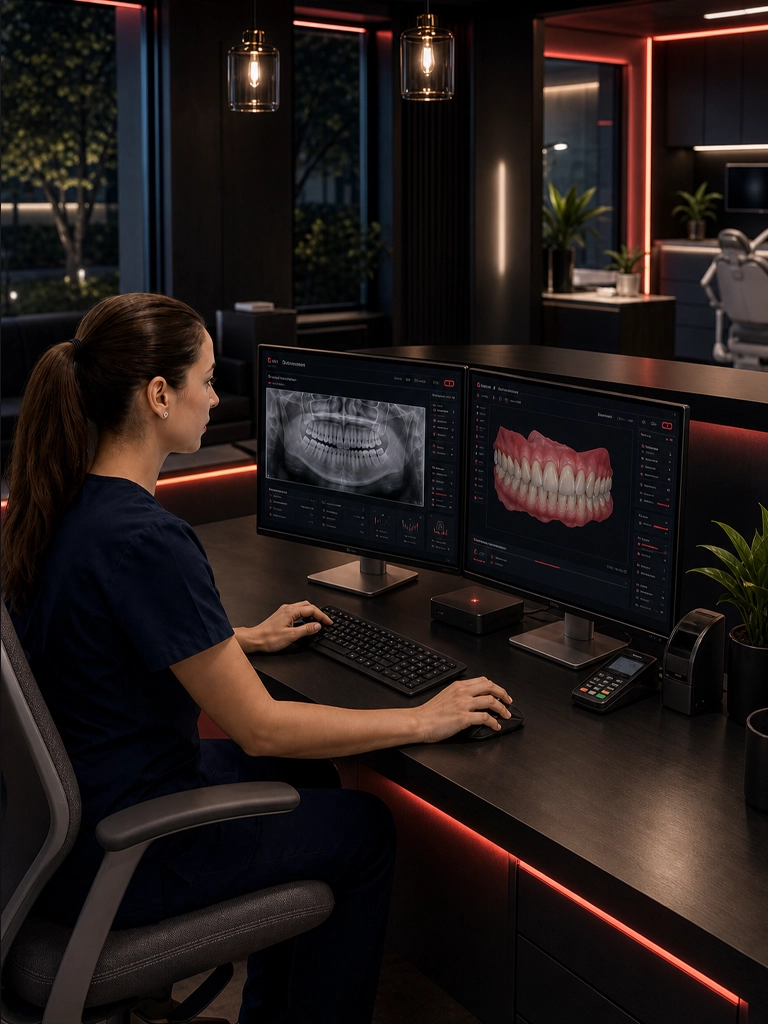
Replace aging PCs and laptops with high-performance desktops or mobile workstations optimized for dental software, imaging, and daily practice workflows.
Dental IT helps dental practices upgrade the hardware, imaging devices, peripherals, cabling, and performance foundations that keep daily workflows fast, reliable, and patient-ready.
Targeted hardware upgrades for dental workflows
Faster imaging, charting, scanning, and daily software performance
Modernized workstations, peripherals, cabling, and equipment planning
Warranty-aware upgrades designed to reduce downtime and repair costs
Reliable & Secure IT Solutions
Tech enhancement focuses on practical upgrades that improve the way your team works every day: faster computers, better imaging hardware, cleaner operatories, improved accessories, stronger performance, and smarter support planning.
Modernize hardware that slows down clinical and front desk workflows.
Improve imaging, scanning, checkout, charting, and patient-facing systems.
Create a cleaner, faster, and more reliable daily technology experience.
Outdated equipment can create friction in every area of a dental practice. Tech enhancement helps replace bottlenecks with faster, more capable systems that support imaging, treatment planning, patient communication, and team productivity.
Faster
Reduce lag across charting, imaging, and applications.
Cleaner
Improve device placement, cabling, and workstation layouts.
What Our Tech Enhancement Service Includes
From workstations and imaging hardware to peripherals, benchmarking, ergonomic layout, cabling, and warranty planning, Dental IT helps your enhancement project move forward with structure.
Replace aging PCs and laptops with high-performance desktops or mobile workstations optimized for dental software, imaging, and daily practice workflows.
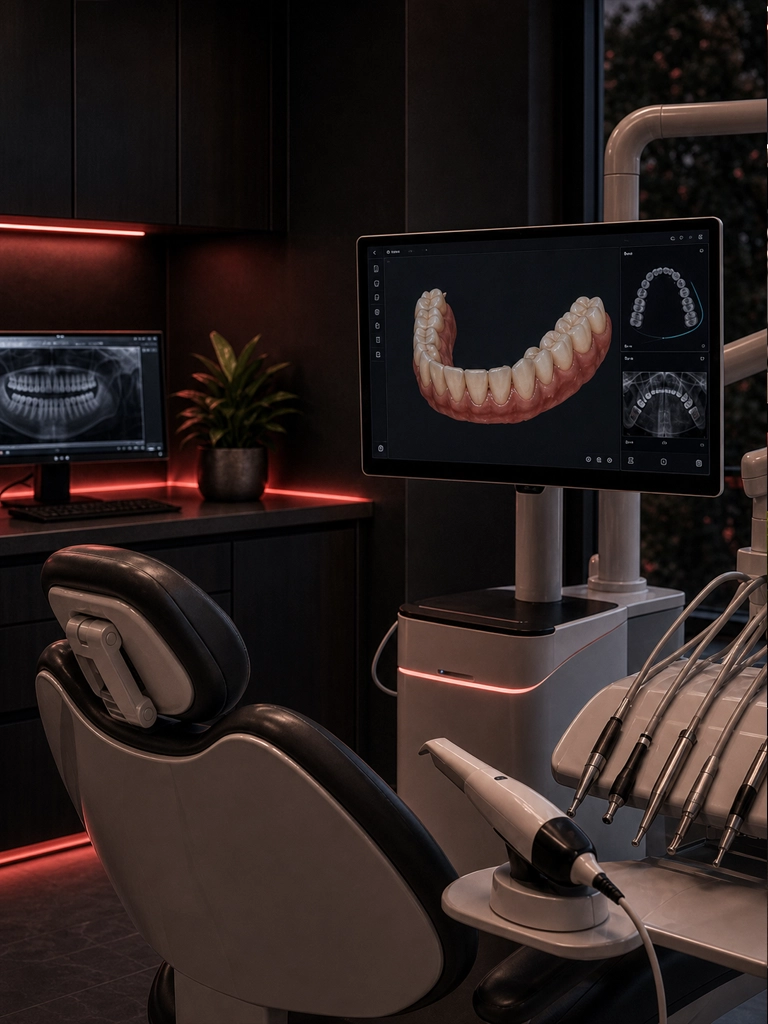
Integrate newer intraoral scanners, 3D printers, digital x-ray sensors, and imaging hardware to help streamline clinical procedures.
Upgrade network printers, monitors, checkout devices, and front desk peripherals to support faster reports, charts, and patient workflows.
Fine-tune hardware configurations, SSD deployments, memory, and graphics acceleration to help minimize lag and reduce load times.
Reorganize operatories and workstations with cleaner cabling, better equipment placement, and ergonomic technology layouts.
Extend equipment lifecycle planning with manufacturer warranties, proactive support options, and priority replacement strategies.
Ready to Elevate Your Hardware?
Tech enhancement is most effective when upgrades are planned around the exact tools your team uses. Dental IT helps improve hardware, performance, ergonomics, support planning, and security readiness with your dental workflow in mind.
We understand how operatories, imaging rooms, front desk stations, checkout areas, and clinical teams use technology throughout the day.
Your upgrades are planned around real workflow improvements, including faster chart access, smoother imaging, and reduced waiting time.
We help coordinate installation, setup, cabling, device placement, and workstation readiness with less disruption to your team.
Modern hardware supports newer operating systems, patches, encryption options, endpoint protection, and safer daily use.
We help your practice avoid surprise failures by planning upgrades, warranties, replacement timelines, and ongoing support around your actual needs.
Dental IT Enhancement Coverage
A faster practice starts with better hardware foundations across clinical workstations, imaging devices, storage, and front desk equipment.
Upgrade operatory and provider workstations so clinical teams can access charts, images, and dental software with less delay.
Plan improvements for scanners, x-ray sensors, imaging stations, 3D printing workflows, and related clinical technology.
Improve speed and responsiveness with SSDs, memory upgrades, system tuning, and performance-focused hardware planning.
Refresh monitors, printers, checkout equipment, and administrative devices that support patient communication and billing workflows.
Why Does Your Dental Practice Need Tech Enhancement?
Slow systems, aging peripherals, outdated imaging hardware, and poorly organized workstations can reduce efficiency and create daily friction for your team.
Faster hardware reduces delays when loading charts, opening imaging software, switching between apps, and completing administrative tasks.
Quick scans, smoother digital workflows, and more responsive systems can help shorten appointments and create a better patient experience.
Newer equipment with better warranty coverage can reduce repair bills, recurring issues, and unexpected downtime.
Modern hardware is better prepared for current software, security patches, encryption options, and HIPAA-conscious technology planning.
Targeted enhancements can create measurable improvements in performance, reliability, staff productivity, and daily practice efficiency.
Hardware Upgrade Planning
Every new workstation, scanner, printer, monitor, storage device, and clinical tool should fit into your broader IT strategy. Dental IT helps plan technology enhancements with performance, security, warranty coverage, and long-term reliability in mind.
Tech enhancement should create more than a faster device. It should create a better-supported environment with documented hardware, cleaner installation, stronger compatibility, and reduced operational risk.
Modern hardware that can better support current security patches, endpoint protection, and encryption planning.
Cleaner workstations and cabling to reduce technology clutter, access issues, and avoidable support problems.
Documented device upgrades, warranty details, and hardware lifecycle planning for better long-term decision-making.
Performance-focused upgrades designed around dental software, imaging, front desk, and clinical workflow requirements.
Review existing hardware, slow devices, imaging bottlenecks, cabling issues, warranties, and replacement priorities.
Deploy targeted hardware enhancements for workstations, imaging, peripherals, storage, and practice workflows.
Tune performance, organize cabling, document new equipment, and help your team work with fewer technology slowdowns.
Ready to elevate your dental hardware?