

South Florida Dental Hurricane IT Checklist: 2026
Prepare dental IT for South Florida hurricanes: backups, shutdowns, power, internet failover, vendor contacts, emergency access, and reopening.
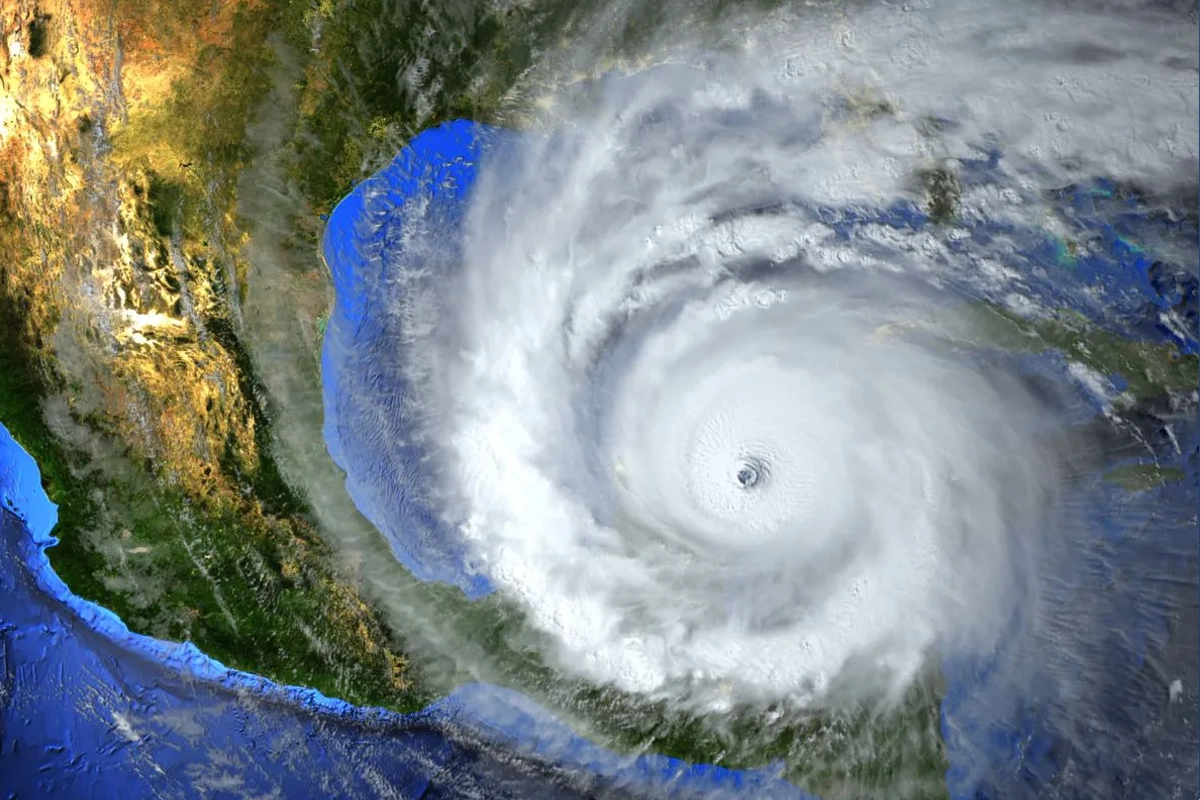
Atlantic hurricane season runs from June 1 through November 30, and South Florida dental practices operate in an environment where tropical weather can create overlapping risks: power interruption, internet loss, water intrusion, building access restrictions, staff displacement, and equipment damage. A continuity plan should not assume the only failure will be the utility power going out. Ready.gov business-continuity guidance encourages planning for natural hazards and technology failures, while HIPAA contingency requirements address emergencies and other occurrences that damage systems containing ePHI. This checklist focuses on practical technology preparation before a storm, safe decisions when closing, and controlled validation before the first patient returns.
Key Takeaways
Hurricane IT readiness should plan for several failures at once: power, internet, building access, hardware, staffing, and vendor availability—not just a single workstation outage.
Verify backups and recovery before the threat is immediate. A current off-site or otherwise resilient copy, documented credentials, vendor contacts, and a tested restore path are more useful than assuming the last scheduled job is enough.
HIPAA emergency access and contingency procedures should remain usable when normal systems or connectivity are unavailable. Reopening should include controlled technology validation before the practice resumes a full clinical schedule.
What should a dental hurricane IT plan assume can fail?
Plan for combinations. A building can have power but lose its primary internet carrier. Internet can remain available while roof or water damage makes the office inaccessible. A generator can run critical circuits while an unprotected switch, modem, or server is still offline. Staff may be unable to reach the practice even though cloud systems remain healthy. Vendor support queues can become busy across an entire region at the same time.
Map technology to business functions: scheduling, patient communication, chart access, imaging, prescriptions, claims, phones, backups, remote work, security monitoring, and payment processing. For each function, identify the systems and dependencies required to keep it available or recover it. That makes the plan usable when the actual failure does not match a simple 'power outage' scenario.
What should be verified before a storm is close?
Confirm recent backup status for critical systems and, more importantly, confirm that the practice knows how those systems would be restored. Verify off-site or appropriately isolated recovery copies, administrator credentials, encryption or recovery keys, vendor contacts, internet-account information, firewall configuration backups, and the list of systems that must return first. Do not wait for a watch or warning to discover that a backup alert has been ignored for weeks.
Update contact lists for leadership, IT, ISP, phone provider, PMS, imaging, cloud services, alarm/security, landlord or facility management, and electrical or generator support as applicable. Store the continuity plan somewhere accessible if the office network is unavailable while still protecting sensitive credentials separately.
How should power protection be reviewed?
Inventory the systems connected to UPS equipment and confirm the UPS batteries are healthy enough to perform their intended role. A UPS is usually designed to bridge short outages, protect against abrupt shutdowns, or allow equipment to stop cleanly; it should not be assumed to run a dental practice through an extended regional outage unless the system was specifically engineered for that purpose.
If the practice has generator support, know which circuits are actually backed up and whether networking, internet equipment, servers, storage, and critical workstations are included. A generator does not protect against failed ISP infrastructure or water damage, so power continuity should be one branch of the plan rather than the entire plan.
What should internet failover look like for a dental office?
Cloud PMS, VoIP, cloud imaging, email, patient communication, payment services, and remote access can make internet continuity clinically important. If the practice has a secondary circuit or cellular failover, test whether the firewall actually changes paths and whether critical services remain usable. Two services that share the same physical last-mile path may not provide as much independence as the billing names suggest.
Document which services degrade during failover and whether bandwidth or latency is sufficient for the workflows that matter most. For multi-location groups, consider whether staff can operate from another office if one site loses connectivity or building access. Continuity is stronger when the workflow has been rehearsed rather than assumed.
When should dental technology be shut down before a storm?
There is no universal shutdown time for every practice. Decisions depend on official emergency guidance, building conditions, power quality, evacuation or closure decisions, equipment design, and vendor recommendations. If leadership decides to close and safely shut down systems, use a written sequence so servers, storage, imaging equipment, workstations, and networking are handled according to their supported procedures.
Avoid last-minute improvised unplugging that can corrupt systems or leave backups unfinished. Confirm final data protection, stop applications or databases correctly when required, label any equipment that will be disconnected, protect portable devices, and document what must be powered on first during reopening. Safety and official local instructions take precedence over keeping technology online.
How does HIPAA emergency access fit hurricane planning?
The HIPAA Security Rule requires contingency procedures for emergencies or other occurrences that damage systems containing ePHI, including procedures for obtaining necessary ePHI during an emergency. A hurricane plan should therefore consider how authorized staff can obtain needed information when the normal office, internet connection, or primary system is unavailable.
Emergency access should still be controlled. Define who may initiate it, what alternate systems or procedures are available, how activity is documented, and how access returns to normal after the emergency. Do not create a permanently shared password in the name of disaster readiness; design a controlled process that can be invoked when normal access truly is unavailable.
What should remote work planning include?
If staff may work from home during a closure, identify which tasks are actually approved for remote performance and which systems can be accessed securely. Use managed devices and supported remote-access methods where possible, protect accounts with MFA, avoid exposing server or database services directly to the internet, and make sure remote access does not depend on a workstation left powered on in a damaged or inaccessible building unless that is an intentional supported design.
Plan patient communication separately. Staff may need to update voicemail, reschedule appointments, send notifications, or access cloud scheduling without opening the full clinical environment. Define the minimum capabilities needed to communicate safely during closure and test them before a storm.
What should happen before the practice reopens?
Do not treat power restoration as proof that technology is healthy. Check the facility for electrical, water, temperature, and physical damage before energizing affected equipment. Bring systems online in a controlled sequence, confirm firewall and internet status, verify servers and storage, review backup and security alerts, and inspect workstations or clinical devices that may have been exposed to unstable power or environmental conditions.
Then validate workflows: PMS access, representative patient records, imaging, scanning, printing, phones, internet, claims, payment systems, backups, and remote/vendor connectivity. If systems were restored from backup or failed over to alternate infrastructure, verify the expected recovery point and document any data that must be reconciled before normal clinical operations resume.
What should a South Florida practice review after hurricane season?
Use every closure, test, or near miss as input. Record what worked, which contacts were outdated, which batteries or circuits failed expectations, whether internet failover behaved correctly, how long remote access took, and whether staff understood their responsibilities. Update the continuity plan, asset list, vendor information, and recovery priorities while the lessons are still fresh.
Also fold findings into the next lifecycle budget. If an old UPS, unsupported server, single-carrier connection, undocumented firewall, or untested backup created avoidable risk, hurricane readiness has identified a concrete technology improvement rather than merely generating another checklist for next year.
Sources and References
Primary sources used for this article
Regulations, product support information, and incident details can change. Review the linked primary sources for the latest status.
Official NOAA/NHC reference for the Atlantic hurricane season and tropical cyclone climatology.
Federal business preparedness guidance covering natural hazards, technology disruptions, continuity planning, communications, and recovery.
Federal guidance connecting restoration of hardware, applications, and data with business continuity requirements.
OCR criteria for contingency planning and emergency access to ePHI.
Common Questions
Frequently asked questions
When is Atlantic hurricane season in South Florida?
The Atlantic hurricane season officially runs from June 1 through November 30. Dental practices should maintain readiness throughout the season rather than tying continuity planning to one forecasted storm.
Should a dental practice shut down its server before a hurricane?
There is no universal answer. Follow official safety guidance, facility conditions, the practice's closure decision, and vendor-supported shutdown procedures. If a shutdown is appropriate, use a documented sequence and verify backups before taking systems offline.
Is a UPS enough for hurricane preparedness?
Usually not by itself. UPS equipment can provide short-term power protection or graceful shutdown, but continuity may also require generator planning, resilient backups, internet failover, remote access, vendor coordination, and a safe reopening process.
Should dental backups be stored outside the office?
A resilient recovery strategy should avoid keeping every recoverable copy exposed to the same building or incident. The exact design can include off-site, cloud, offline, or otherwise isolated copies depending on the systems and risk, with restore testing to prove usability.
Can HIPAA emergency access be used during a hurricane outage?
HIPAA requires procedures for obtaining necessary ePHI during emergencies. The practice should define authorized emergency-access methods in advance, limit them appropriately, document use, and normalize access after the emergency.
What should be tested before reopening after a storm?
Verify facility safety first, then power, networking, internet, servers, storage, PMS, imaging, printing, scanning, phones, claims or payment workflows, backups, security alerts, and any restored or failed-over systems before resuming a full patient schedule.